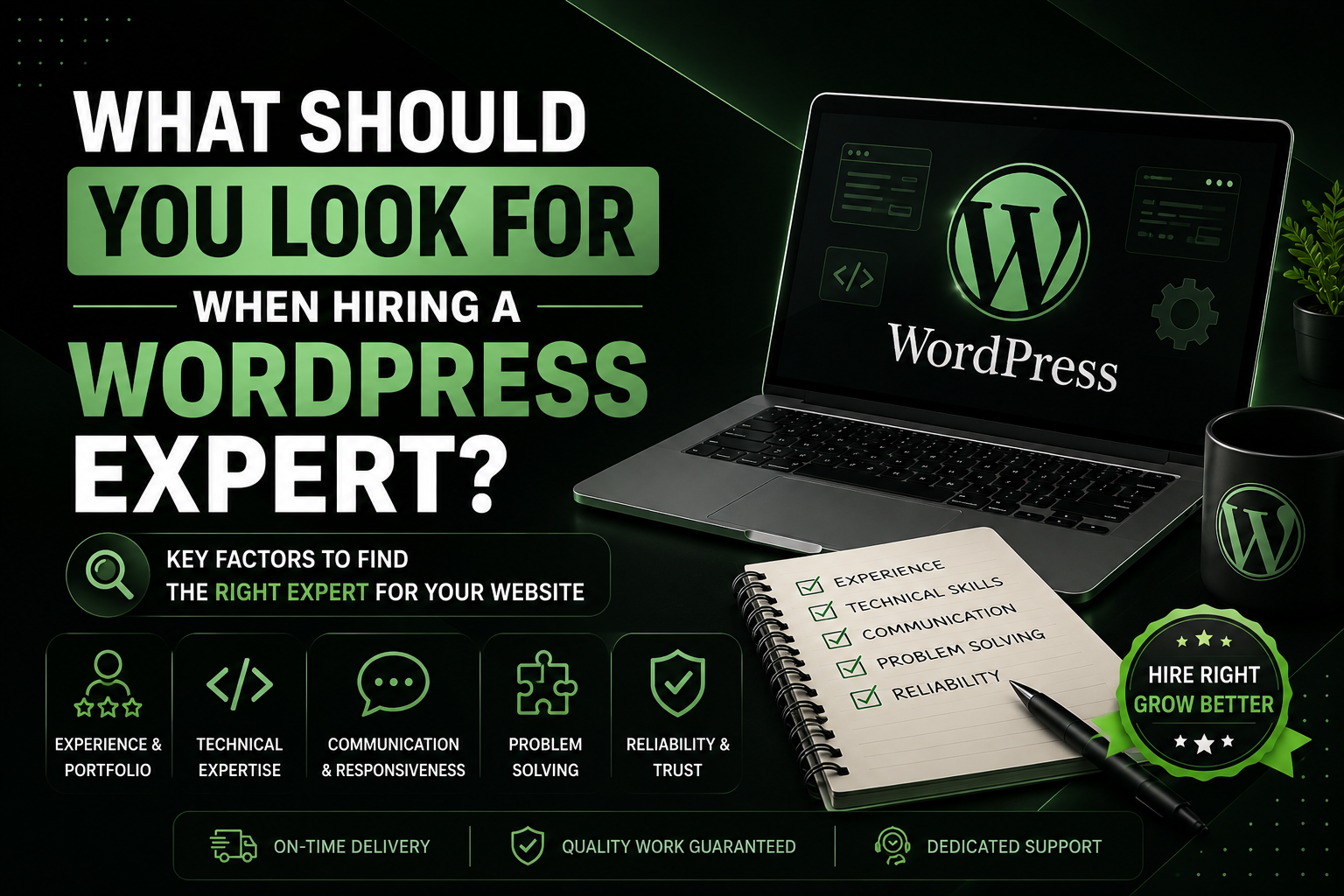

Hiring a WordPress expert can feel surprisingly difficult.
There are thousands of developers, freelancers, agencies, and designers who claim they can build a “professional WordPress website.” But knowing how to install WordPress, customize a theme, or drag elements around in a page builder doesn’t necessarily make someone an expert.
If you’re hiring someone for your business website or e-commerce store, you need to look beyond the website’s appearance. You need someone who understands your business, can solve problems, communicates clearly, makes sensible technical decisions, and can support the website after launch.
I’ve worked on WordPress business and e-commerce websites myself, handling everything from design and Elementor to WooCommerce, custom code, plugins, hosting, domains, and migrations. Through that experience, I’ve learned that the right WordPress expert isn’t simply the person with the most technical knowledge or the cheapest quote.
They’re the person who can take responsibility for the entire project.
Here are the things I recommend looking for.
1. Look at Their Real-World Experience
The first thing I would check is experience—but not just the number of years someone claims to have worked with WordPress.
Ask yourself:
What have they actually built?
Someone might say they have five years of WordPress experience, but if they’ve mostly followed tutorials or made small personal websites, that experience may not be particularly useful for your project.
A good WordPress expert should ideally have experience with projects similar to yours.
For example, if you’re building an online store, look for someone who has actually worked with WooCommerce, product catalogs, shopping carts, checkout systems, payment methods, shipping, and other e-commerce requirements.
If you’re building a service-based business website, look for experience creating websites designed around lead generation, services, contact forms, calls to action, and a professional user experience.
I’ve personally worked on both business and e-commerce websites, which has given me experience with different requirements rather than just one type of WordPress project.
Don’t confuse years with expertise
Five years of experience doesn’t automatically mean someone is better than a developer with two years of hands-on experience.
What matters is what they have done during those years.
Ask to see real examples and ask questions about the projects. A good developer should be able to explain the decisions they made and the problems they solved.
2. Check Their Portfolio—But Don’t Just Look at Screenshots
A portfolio is one of the best ways to evaluate a WordPress expert, but many clients make the mistake of only looking at pretty screenshots.
Don’t.
If possible, visit the actual websites.
Look at them on:
- Desktop
- Tablet
- Mobile
Check whether the navigation works properly, whether pages load correctly, whether forms function, and whether the website feels easy to use.
For an e-commerce website, go further. Test the product pages, cart, checkout experience, and navigation.
A website can look fantastic in a portfolio screenshot while having a terrible user experience in reality.
Ask what they actually did
This is particularly important.
If someone shows you a beautiful website, ask:
“What parts of this project did you personally handle?”
Did they design it?
Did they build it in Elementor?
Did they configure WooCommerce?
Did they write custom code?
Did they handle hosting and migration?
Did they simply install a pre-made theme and make a few changes?
There is nothing wrong with using themes, templates, or page builders. I use Elementor myself. The important thing is understanding what the developer actually contributed.
3. Make Sure They Understand Your Business, Not Just WordPress
This is one of the biggest differences between someone who can build a website and someone who can build the right website.
Your website isn’t supposed to exist simply because your business needs a website.
It should serve a purpose.
A business website might need to generate leads, establish credibility, explain services, or encourage visitors to contact you.
An e-commerce website might need to make it easy for customers to discover products, understand them, add them to their cart, and complete checkout.
A WordPress expert should therefore ask questions about your business.
They should want to know:
- Who are your customers?
- What are you selling?
- What action should visitors take?
- What makes your business different?
- What are your goals for the website?
- What features do you actually need?
If a developer immediately starts talking about themes, plugins, and colors without understanding your business, that’s something I’d be cautious about.
4. Elementor Knowledge Can Be Extremely Valuable
WordPress has many different ways to build websites, but Elementor is one of the tools I’ve personally worked with extensively.
A good Elementor developer should know more than how to drag widgets onto a page.
They should understand:
- Responsive design
- Layout structure
- Spacing
- Typography
- Global styles
- Reusable sections
- Mobile optimization
- Custom CSS when necessary
- Performance considerations
- User experience
The goal isn’t to use as many Elementor features as possible.
It’s to use the right features to create a website that is easy to maintain and works properly across devices.
I’ve found Elementor particularly useful because it allows you to build and customize websites efficiently while still giving you a lot of control over the design.
5. For E-Commerce, Look for Real WooCommerce Experience
If you’re hiring someone to build an online store, I would pay particular attention to their WooCommerce experience.
Building a basic WordPress website and building an e-commerce store are very different tasks.
A WooCommerce developer may need to deal with:
- Products
- Product variations
- Categories
- Shopping carts
- Checkout
- Payment gateways
- Shipping
- Coupons
- Order management
- Customer accounts
- Taxes
- Plugins and integrations
The developer also needs to think about the customer journey.
It’s not enough for the store to technically work.
The buying process should be straightforward.
My own experience with WooCommerce is one of the areas of WordPress I feel particularly confident in, so when evaluating a developer for an e-commerce project, I would strongly recommend looking for someone with actual WooCommerce projects in their portfolio.
6. A Good WordPress Expert Should Be Able to Solve Problems
This is one of the most important qualities I would look for.
WordPress websites don’t always behave perfectly.
Plugins conflict.
Updates can cause problems.
Forms can stop working.
A theme can interfere with another plugin.
A migration can create unexpected issues.
A WooCommerce checkout can behave differently than expected.
This is where real expertise becomes valuable.
A developer shouldn’t need to search for a tutorial for every small problem.
They should have enough understanding of WordPress to investigate the issue, identify the cause, and determine an appropriate solution.
That doesn’t mean an expert knows everything from memory. Nobody does.
The difference is problem-solving ability.
7. Don’t Be Afraid of Custom Code—But Don’t Add It Unnecessarily
A good WordPress expert should understand that plugins aren’t always the answer.
WordPress has an enormous plugin ecosystem, which is one of its strengths. But installing a plugin for every tiny feature can eventually make a website harder to manage.
Sometimes a small customization can be handled with code instead.
That’s why I believe a WordPress expert should have at least a solid understanding of custom code and know when it makes sense to use it.
At the same time, custom code shouldn’t be used simply to show off technical ability.
The goal should always be:
Use the simplest reliable solution for the problem.
Sometimes that’s a plugin.
Sometimes it’s custom code.
Sometimes it’s an existing WordPress feature.
An experienced developer should know the difference.
8. Communication Matters More Than Many Clients Realize
Technical skills aren’t enough.
Imagine hiring someone who builds an excellent website but takes five days to answer every message, doesn’t explain decisions, and disappears whenever you have a question.
That’s going to become frustrating very quickly.
A good WordPress expert should communicate clearly about:
- What they’re building
- What they need from you
- Project timelines
- Costs
- Problems they encounter
- Changes to the original scope
- What happens after launch
They should also be able to explain technical subjects in language a non-technical business owner can understand.
You shouldn’t need to become a WordPress developer just to understand what your developer is doing.
9. Don’t Automatically Choose the Cheapest Developer
Price is obviously important, especially for a small business.
But I wouldn’t recommend choosing a WordPress expert based solely on the lowest quote.
A very cheap quote can sometimes mean that important parts of the project aren’t included.
For example, one developer might quote for “website design,” while another includes:
- Design
- Development
- Responsive optimization
- WooCommerce configuration
- Forms
- Basic SEO setup
- Hosting configuration
- Migration
- Testing
- Post-launch support
The second quote may look more expensive, but you’re not comparing the same thing.
Compare the value, not just the number
Before accepting a quote, ask:
What exactly is included?
Also ask what isn’t included.
A professional quote should make the scope of the project reasonably clear.
And remember: expensive doesn’t automatically mean excellent either.
The best choice is usually the developer who offers the right combination of experience, quality, communication, technical ability, and value for your specific project.
10. Watch Out for These WordPress Hiring Red Flags
There are several things that would make me cautious when hiring a WordPress developer.
No real portfolio
If someone claims extensive experience but can’t show meaningful examples of their work, ask why.
Unrealistic promises
Be careful with promises such as “I’ll build your entire website in one day” when the project clearly requires much more work.
Extremely cheap pricing
A low price isn’t automatically bad, but an unusually low quote deserves closer examination.
Poor communication
If communication is already difficult before you’ve hired them, it probably won’t become easier afterward.
Too many plugins
A developer who installs a plugin for every tiny feature may be creating unnecessary complexity.
No mobile consideration
A website that looks good on a desktop but breaks on mobile isn’t a professional finished product.
No post-launch plan
Ask what happens after the website goes live.
No clear ownership
You should understand who owns the website, domain, hosting account, licenses, and other important assets.
Depending entirely on templates
Templates can be useful. The problem is when someone doesn’t understand how to customize them properly or adapt them to your business.
The same principle applies to AI and tutorials. Tools are useful, but they shouldn’t replace actual understanding.
11. Check Their Technical Understanding
You don’t need to give a developer a technical exam.
But you can ask simple questions to understand how they think.
For example:
“Why did you choose this plugin?”
“How will you keep the website fast?”
“What happens if this plugin conflicts with another plugin?”
“How will you handle backups?”
“What happens if something breaks after an update?”
You aren’t necessarily looking for one perfect answer.
You’re looking at their reasoning.
A good expert should be able to explain their choices instead of simply saying:
“That’s just how WordPress works.”
12. Don’t Forget Hosting, Domains, and Migrations
WordPress development doesn’t always start and end inside the WordPress dashboard.
Depending on the project, someone may need to deal with:
- Domain configuration
- Hosting
- SSL
- DNS
- Website migrations
- Backups
- Database issues
- Email configuration
- Plugin compatibility
I’ve personally worked with hosting, domains, migrations, plugins, and the other infrastructure surrounding WordPress.
That’s useful because sometimes the problem isn’t actually WordPress itself.
A website might appear broken because of hosting configuration, DNS, PHP settings, a plugin conflict, or another technical issue.
The more of the ecosystem your developer understands, the easier it is to diagnose these problems.
13. Ask What Happens After Launch
One of the biggest mistakes clients make is thinking the project ends the moment the website goes live.
It doesn’t have to.
A WordPress website needs ongoing attention.
Depending on the website, that can include:
- Plugin updates
- Theme updates
- WordPress updates
- Backups
- Security monitoring
- Performance checks
- Bug fixes
- Content changes
- WooCommerce maintenance
Before hiring someone, ask:
“What support do you provide after launch?”
Some developers provide a limited period of bug fixes. Others offer ongoing maintenance packages.
There’s no single correct arrangement, but you should know what you’re getting.
14. Make Sure You Actually Own Your Website
This is something I would strongly recommend clarifying before work begins.
You should know who controls:
- Your domain
- Your hosting account
- Your WordPress administrator account
- Your website files
- Your database
- Premium plugin/theme licenses
- Business email accounts
- Analytics accounts
You don’t want your entire online presence dependent on a developer’s personal account.
A professional relationship should make it clear who owns what.
15. Five Things I’d Do Before Hiring a WordPress Expert
If I were a business owner hiring a WordPress expert, these would be my five starting points:
1. Don’t hire based only on price
A cheap website can become expensive if you later have to rebuild it or fix poorly implemented work.
2. Check their real portfolio
Visit their actual websites and test them on desktop and mobile.
3. Ask what they personally handled
Don’t assume everything shown in a portfolio was built entirely by the person you’re talking to.
4. Make sure they understand your business
The website should support your goals, not just look attractive.
5. Clarify support and ownership
Know what happens after launch and make sure you retain appropriate access and ownership of your website.
My Experience With WordPress Projects
My own WordPress experience has largely involved business and e-commerce websites, where I’ve handled projects across design and development rather than focusing on only one small part of the process.
I’ve worked with Elementor, WooCommerce, custom code, hosting, domains, migrations, and plugins.
Two projects I’ve worked on include Diginarrative and Green Smoke Organics, where I handled the projects end-to-end.
That experience has reinforced something I think businesses should keep in mind when hiring a WordPress professional:
Building the website is only part of the job.
You also need someone who can understand what the business needs, make good technical decisions, troubleshoot problems, communicate with you, and help ensure the website remains useful after it launches.
That’s why I wouldn’t judge a WordPress expert purely by how impressive their portfolio looks.
I’d look at how they think, how they communicate, what they’ve actually built, how they solve problems, and whether they take responsibility for the entire project.
Final Thoughts
The right WordPress expert can become a valuable long-term partner for your business.
The wrong one can leave you with a slow website, unnecessary plugins, technical problems, poor communication, and a bill for fixing everything later.
So don’t simply ask:
“How much do you charge for a WordPress website?”
Ask:
“Can you understand my business, build what I actually need, solve problems when they appear, and support me after the website goes live?”
That’s a much better way to evaluate a WordPress expert.
And ultimately, the best WordPress developer isn’t necessarily the cheapest, the most expensive, or the person with the longest list of skills. It’s the person who can combine technical expertise with business understanding, communication, problem-solving, and reliable support.
For success stories. Visit ITISH.
For Services. Visit Services
You can visit and see the clients’ websites at: Greensmokeorganics
For booking a free Call. Visit Contact