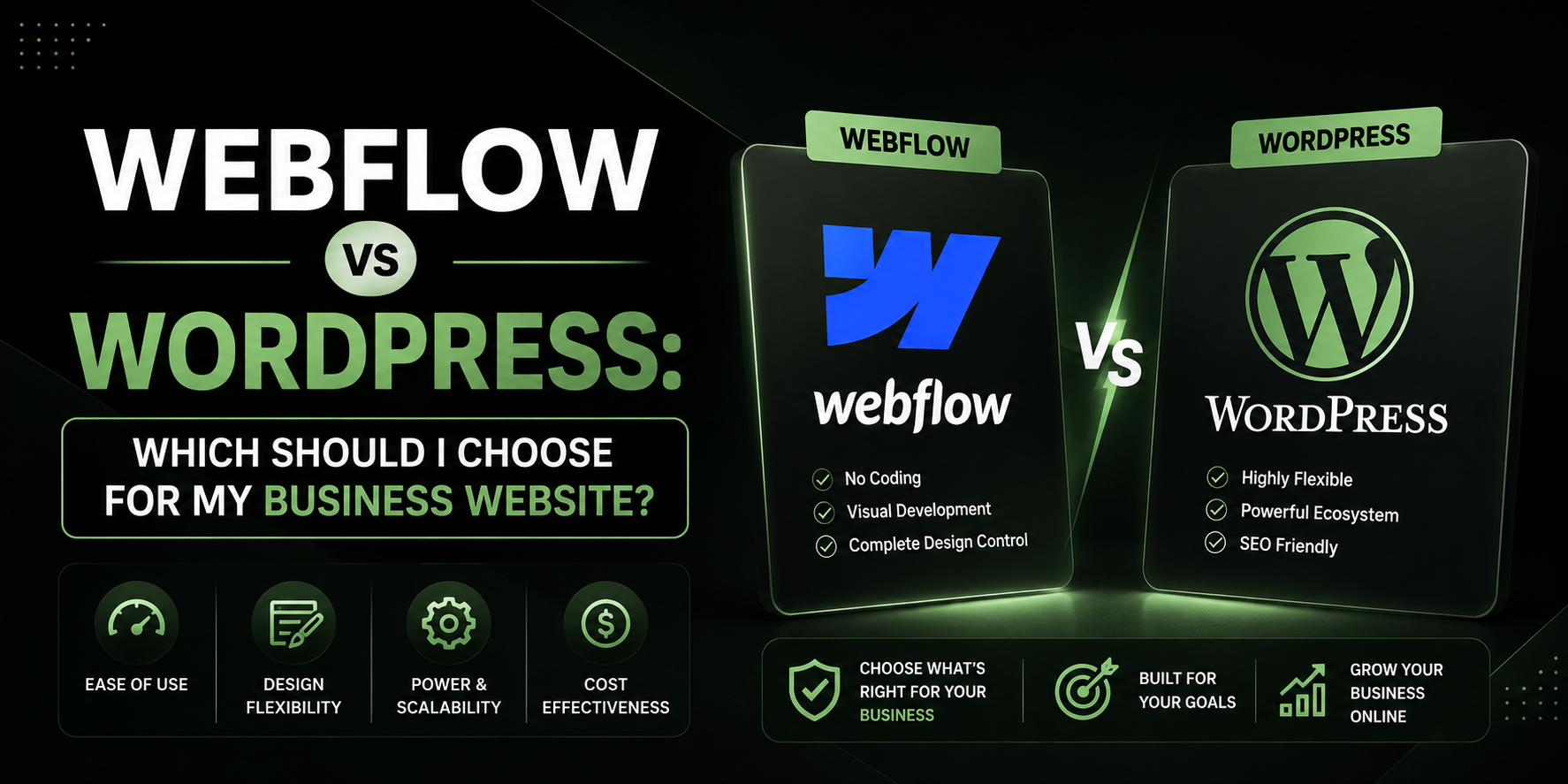

You’ll probably come across two popular options: Webflow and WordPress. Both can create professional-looking websites, both can be used by businesses, and both have their own strengths.
Choosing the right platform for your business website can feel more complicated than it should be.
But which one should you actually choose?
After around two years of working with WordPress and building 7–8 websites, including business websites and e-commerce stores, WordPress would be my choice for most businesses.
However, there is an important disclaimer before we compare the two: I have personally worked with WordPress, but I have not used Webflow hands-on. So I’m not going to pretend I have firsthand experience with Webflow. Instead, I’ll explain where WordPress has worked well for me, where it has caused problems, and the situations where I think a platform like Webflow could make more sense.
Webflow vs WordPress: The Basic Difference
At a high level, both platforms allow you to build and manage websites, but they approach website creation differently.
WordPress is an open-source content management system. You typically choose your hosting, install WordPress, select a theme or build your own design, and extend the website using plugins and other tools.
Webflow is a hosted website-building platform that combines visual website design with content management and hosting.
The biggest difference, in my opinion, is how much control and flexibility you want versus how much of the technical infrastructure you want managed for you.
And this is where your individual business matters more than simply asking which platform is “better.”
Why I Prefer WordPress for Most Business Websites
I’ve built around 7–8 websites with WordPress over the past two years, including websites for businesses and e-commerce projects.
During that time, I’ve worked with things like Elementor, WooCommerce, plugins, hosting, domains, migrations, website customization and SEO-related functionality.
The biggest thing I’ve learned is that WordPress gives you a lot of room to build the website around the business instead of forcing the business to work around the platform.
Here are some of the reasons I personally prefer it.
1. WordPress Gives You a Huge Amount of Flexibility
One of the biggest advantages of WordPress is customization.
You can start with a relatively simple website and later add new pages, functionality, integrations, forms, booking systems, e-commerce functionality, memberships, blogs and much more.
For example, I built an e-commerce website for a business selling organic foods.
The requirements weren’t simply:
“We need a few pages showing our products.”
The website needed to function as an actual online store.
That’s where WordPress combined with WooCommerce becomes particularly useful.
You can build the storefront, add products, configure shopping functionality and continue expanding the website as the business grows.
This flexibility is one of the biggest reasons I would choose WordPress for a business.
2. Elementor Makes WordPress Much Easier to Design
WordPress itself isn’t necessarily what determines how you visually build every part of a website.
Tools such as Elementor give you a visual interface for creating pages and layouts.
For someone building websites for businesses, this is extremely useful.
Instead of having to build every element from scratch with code, you can visually create sections, columns, buttons, forms, images and other components.
I’ve personally used Elementor to build websites from scratch, and that flexibility is one of the things I appreciate most about WordPress.
You can also go beyond the default options by using additional widgets, plugins or custom code when necessary.
That doesn’t mean there are no limitations.
In fact, this is one area where I think Webflow could become attractive for certain designers.
If the website requires an extremely advanced design that goes beyond what your preferred Elementor setup and widgets can comfortably handle, another visual design platform may be worth considering.
That’s one of the situations where I wouldn’t automatically tell someone to choose WordPress.
3. WooCommerce Makes WordPress Particularly Attractive for E-Commerce
If you’re building a normal business website, there are many platforms you could consider.
But when e-commerce enters the conversation, WordPress becomes much more interesting.
WooCommerce allows WordPress to become a full e-commerce platform.
You can manage:
- Products
- Product categories
- Shopping carts
- Checkout
- Payments
- Shipping
- Orders
- Customer accounts
- Discounts
- Product variations
- Inventory
For the organic-food e-commerce website I worked on, this kind of functionality was important.
Instead of having a simple website that only tells visitors about the business, WordPress allowed us to build something designed around actually selling products online.
This is one of the biggest reasons I’d recommend WordPress to businesses that expect their website to become more than just a digital business card.
4. WordPress Has an Enormous Plugin Ecosystem
This can be both a blessing and a curse.
WordPress has thousands of plugins available for adding functionality to a website.
Need a contact form?
There’s a plugin.
Need SEO functionality?
There are plugins.
Need an e-commerce store?
WooCommerce.
Need booking functionality?
There are solutions for that.
Need membership functionality?
There are solutions for that too.
This means you’re not starting from zero every time you need a new feature.
You can combine WordPress with different tools depending on what the business actually needs.
And this becomes particularly valuable as the business grows.
A website might start as five pages.
A year later, the owner might want:
- A blog
- Online payments
- A booking system
- More advanced forms
- Customer accounts
- New integrations
- An online store
With WordPress, you have a large ecosystem to build on.
5. WordPress Gives You More Control Over Hosting
Another advantage I personally like is having control over the hosting environment.
With WordPress, you can choose your hosting provider rather than being locked into one specific hosting environment.
That gives you more flexibility around:
- Hosting costs
- Server resources
- Backups
- Performance
- Migrations
- Domain configuration
- Server-level settings
I’ve personally dealt with hosting, domains and migrations while working with WordPress, and that experience has made me appreciate having control over the website’s infrastructure.
For someone who doesn’t want to deal with any of this, however, this can also become a disadvantage.
6. WordPress Is Good for Businesses That Want to Grow
This is probably the biggest reason I would recommend WordPress.
Your website requirements aren’t necessarily going to stay the same.
A small business might start with:
Home → About → Services → Contact
Then things change.
Perhaps the business starts getting traffic from Google and wants a blog.
Then it wants to sell products.
Then it wants customer accounts.
Then it wants bookings.
Then it needs additional integrations.
Your platform choice should take that possibility into account.
I don’t think businesses should only ask:
“What do I need today?”
They should also ask:
“What might I need two or three years from now?”
WordPress is particularly strong in this area because of the amount of functionality that can be added later.
But WordPress Isn’t Perfect
If this were simply a WordPress promotional article, it would be easy to say that WordPress is better and stop there.
But after working with it for two years, I can tell you that WordPress definitely has problems.
I’ve experienced issues involving plugins, updates, security, performance and maintenance.
And these are important considerations.
Plugin Conflicts
The same flexibility that makes WordPress powerful can also create problems.
You’re often combining different pieces of software from different developers.
Sometimes they don’t play nicely together.
An update to one plugin can potentially cause problems with another plugin.
This is one of the trade-offs of having such a large ecosystem.
Security Requires Attention
WordPress itself isn’t something you can simply install and forget about forever.
Themes and plugins need to be maintained.
Updates matter.
Strong passwords matter.
Backups matter.
Security configurations matter.
A poorly maintained WordPress website can become a problem.
This doesn’t mean WordPress is inherently insecure. It means that the flexibility and openness of the platform also means you have more responsibility.
Performance Can Require Optimization
WordPress websites can be fast.
But they can also become painfully slow if they’re poorly built.
Installing too many unnecessary plugins, using badly optimized images, choosing poor hosting or creating an overly complicated website can all contribute to performance problems.
So WordPress gives you the ability to build a fast website—but you still need to build and maintain it properly.
What About Webflow?
This is where I want to be transparent.
I haven’t personally used Webflow.
Because of that, I wouldn’t tell you:
“I’ve built websites with both platforms and WordPress is definitely better.”
That wouldn’t be true.
Instead, based on my experience with WordPress and my understanding of how Webflow is positioned, I see Webflow as an interesting option particularly for businesses and designers who place a very high priority on visual design and a more managed website-building experience.
If your website requires a highly advanced design that goes beyond the widgets and design capabilities you’re comfortable achieving with Elementor Pro, I’d be open to considering Webflow.
That doesn’t make WordPress bad.
It simply means that different tools are better suited to different requirements.
Webflow vs WordPress: Which Is Easier?
This question is more complicated than it initially sounds.
WordPress itself isn’t particularly difficult to learn.
I’ve been using it for around two years, and I’ve built websites from scratch using tools such as Elementor.
However, running a WordPress website involves more moving parts.
You might have:
WordPress + hosting + theme + Elementor + plugins + WooCommerce + security + backups
That gives you tremendous flexibility, but it also means there are more things to manage.
A managed platform like Webflow can be appealing to someone who doesn’t want to think about the underlying hosting and maintenance as much.
So if your priority is:
“I want a highly managed environment and don’t want to deal with much technical maintenance,”
then you may want to seriously consider Webflow.
Webflow vs WordPress for SEO
SEO shouldn’t really come down to simply choosing WordPress or Webflow.
A technically good website on either platform can perform well.
What matters is how the website is built and maintained.
You still need:
- Good content
- Proper page structure
- Relevant keywords
- Fast performance
- Mobile responsiveness
- Good internal linking
- Quality backlinks
- Search-friendly URLs
- Proper metadata
- Useful pages that actually satisfy search intent
One reason I like WordPress for SEO is the amount of control and the huge ecosystem of tools available for content and SEO management.
For businesses that plan to publish a lot of content, build a blog or invest heavily in organic search, I personally feel very comfortable choosing WordPress.
Webflow vs WordPress for E-Commerce
For e-commerce, WordPress has another major advantage in my opinion:
WooCommerce.
I’ve actually worked on an organic-food e-commerce website using WordPress, so this isn’t just something I’m theorizing about.
The combination of WordPress and WooCommerce gives businesses a huge amount of flexibility when building an online store.
If selling products is a major part of your business, I’d personally lean strongly toward WordPress/WooCommerce.
Webflow vs WordPress: Cost
Cost isn’t simply the price of the platform.
You should consider the entire website ecosystem.
With WordPress, you may have costs associated with:
- Domain
- Hosting
- Premium themes
- Elementor Pro
- Premium plugins
- Maintenance
- Developer work
Some of those costs are optional, while others may become necessary depending on the website.
The advantage is that you have a lot of control over what you use and where your money goes.
The disadvantage is that you have to make those decisions yourself.
A more managed platform can simplify this by packaging more of the infrastructure together.
So don’t compare only the advertised monthly price.
Compare the total cost of running the website for several years.
Which Platform Should You Choose?
Here’s how I’d think about it.
Choose WordPress if you:
- Want maximum flexibility
- Need an e-commerce website
- Plan to use WooCommerce
- Want a content-heavy website
- Want extensive plugin options
- Need advanced functionality
- Want control over hosting
- Want the ability to customize your website extensively
- Expect your business website to grow
- Want a platform with a massive ecosystem
Consider Webflow if you:
- Put an extremely high priority on visual design
- Want a more managed website environment
- Don’t want to deal with as many hosting-related decisions
- Have a design that is difficult to achieve with your current WordPress/Elementor setup
- Have relatively straightforward functionality requirements
And there’s an important distinction here:
You don’t need to choose a platform based on what is currently trending.
Choose it based on what your business actually needs.
My Choice After 2 Years of Building WordPress Websites
If you asked me personally:
“You’re starting a new business today. Which platform would you choose?”
I’d choose WordPress for most business websites.
Not because I’ve used every website platform and concluded that WordPress beats all of them.
I haven’t.
I’ve spent around two years working with WordPress and have built around 7–8 websites, including business websites and an e-commerce website selling organic foods.
That experience has shown me how flexible WordPress can be.
I’ve also experienced its downsides: plugin conflicts, maintenance, updates, security considerations and performance optimization.
But even with those drawbacks, I still value the amount of control it gives me.
For me, the biggest advantage isn’t simply that I can build a website today.
It’s that I can build a website today and still have plenty of options when the business changes tomorrow.
And that’s something I think business owners should pay close attention to.
Final Verdict: Webflow or WordPress?
There isn’t one platform that is objectively perfect for every business.
If your primary priority is an extremely design-focused website and you want a more managed environment, Webflow may be worth considering.
But if you’re looking for flexibility, e-commerce capabilities, SEO options, customization, plugins, content management and the ability to expand your website over time, I’d personally choose WordPress.
My advice comes from someone with around two years of hands-on WordPress experience—not from someone who has personally built dozens of websites on both platforms.
So I wouldn’t tell you that WordPress wins every possible comparison.
Instead, I’d say this:
Don’t choose your website platform based only on what looks easiest today. Choose the platform that gives your business enough flexibility to grow tomorrow.
For most businesses I’ve worked with, WordPress is the platform I’d choose.
For success stories. Visit ITISH.
For Services. Visit Services
You can visit and see the clients’ websites at: Stone Ove
For any other queries. Visit Contact