
Hiring a WordPress developer can seem simple. You find someone who says they know WordPress, look at a few websites in their portfolio, agree on a price, and get started.
But WordPress is much more than installing a theme and dragging elements onto a page.
A developer can create a website that looks impressive in a screenshot while still being slow, difficult to maintain, poorly optimized for mobile, overloaded with plugins, or badly structured behind the scenes.
As someone who builds WordPress websites using Elementor, WooCommerce, custom code, hosting, domain setup, and migrations, I’ve learned that choosing a developer should be about much more than how attractive their portfolio looks.
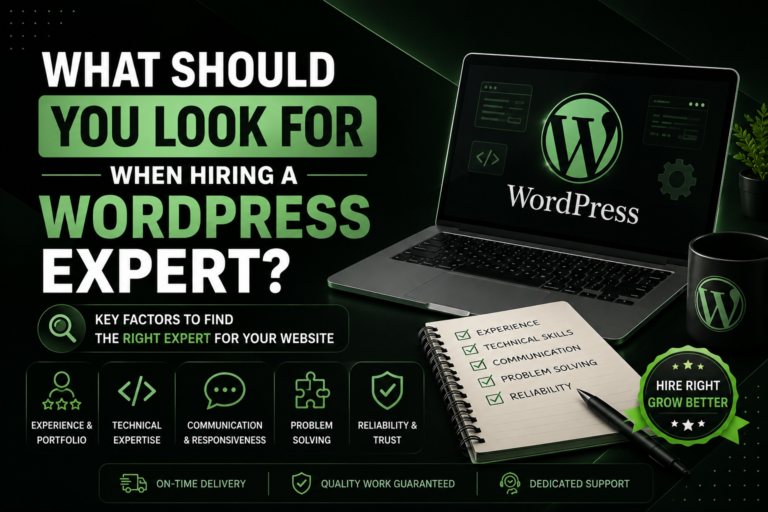
Here are the things I recommend looking for before hiring one.
1. Look at Their Actual WordPress Experience
First, find out what kind of WordPress work the developer actually does.
There is a big difference between someone who has:
- Installed a few WordPress themes
- Built basic websites using templates
- Customized existing websites
- Built websites from scratch
- Worked with WooCommerce
- Written custom code
- Handled migrations
- Managed hosting and domains
- Troubleshot complicated WordPress problems
You don’t necessarily need a developer who can do everything. You need someone whose experience matches your project.
For example, if you’re building an online store, I’d want to see experience with WooCommerce rather than hiring someone whose portfolio consists entirely of five-page business websites.
If you’re migrating an existing website to a new host, I’d want someone who has actually performed WordPress migrations before.
Match the developer’s experience to the problem you’re paying them to solve.
2. Elementor Experience Is Good—but It Shouldn’t Be the Only Skill
There’s nothing wrong with hiring an Elementor developer.
In fact, Elementor can be extremely useful because many sections can be built quickly using drag-and-drop tools. It also makes it easier for clients to make certain changes themselves later.
But there’s an important distinction between someone who uses Elementor and someone who understands WordPress development and happens to use Elementor.
That’s something I pay attention to when building websites myself.
Not every section needs custom code. If Elementor can create a section cleanly and efficiently, there’s no reason to make the project unnecessarily complicated.
However, there are situations where Elementor alone isn’t enough or isn’t the best solution. That’s where custom HTML, CSS, JavaScript, PHP, or other development skills can become valuable.
The ideal approach isn’t:
“Everything must be Elementor.”
or:
“Everything must be custom coded.”
It’s knowing when to use each approach.
Ask the developer:
“What would you build with Elementor, and what would you custom code—and why?”
Their answer can tell you a lot about their actual technical understanding.
3. Don’t Judge a Developer Only by Their Designs
A beautiful website isn’t necessarily a good website.
When looking at a developer’s portfolio, don’t just ask:
“Does this look nice?”
Also ask:
- Does it load quickly?
- Does it work properly on mobile?
- Is the navigation easy to use?
- Are the pages structured logically?
- Is the website easy to edit?
- Does it appear optimized for search engines?
- Does it use unnecessary plugins?
- Does the website actually support the business’s goals?
- Can the developer explain what they personally did?
If the developer provides live website links, actually visit them.
Resize your browser window. Open the website on your phone. Click through the pages. Try the forms. If it’s an e-commerce website, test the shopping experience.
A portfolio screenshot can hide problems. A live website usually can’t.
4. Ask About Performance
Website speed should be part of the conversation before development begins, not something you worry about after launch.
A WordPress website can become slow for many reasons, including:
- Poor hosting
- Excessive plugins
- Poorly optimized images
- Bloated themes
- Badly written code
- Too many scripts
- Poor configuration
This doesn’t mean a developer should promise that every website will achieve a perfect speed score.
Real websites have different requirements and functionality.
Instead, ask:
“How will you make sure the website performs well?”
A good developer should be able to explain their approach rather than simply saying, “I’ll make it fast.”
5. Make Sure Mobile Responsiveness Is Part of the Job
A website isn’t finished just because it looks good on a desktop monitor.
The developer should test different screen sizes and make sure:
- Text remains readable
- Buttons are easy to tap
- Images don’t overflow
- Navigation works correctly
- Sections don’t become awkward on smaller screens
- Forms work properly
- Spacing remains consistent
This is especially important with Elementor because a design that looks perfect on desktop may need adjustments for tablet and mobile.
Ask to see the developer’s websites on your phone—not just on their computer.
6. Pay Attention to Plugin Choices
WordPress has thousands of plugins, which is one of its biggest advantages.
It’s also one of its biggest potential problems.
A developer shouldn’t automatically install a plugin for every small feature.
For example, if something can be achieved cleanly with existing WordPress functionality or a small amount of appropriate custom code, adding another plugin may not be necessary.
More plugins can mean more things to maintain, update, troubleshoot, and potentially secure.
So ask:
“Which plugins will you use, and why?”
You don’t need to avoid plugins. You need a developer who understands which plugins are actually necessary.
7. Ask About Security and Backups
Security shouldn’t be treated as an afterthought.
Before hiring a developer, ask how they handle:
- WordPress updates
- Plugin updates
- Themes
- Backups
- Administrator accounts
- Passwords
- Security configuration
- Recovery if something goes wrong
You should also understand who will have administrator access to your website.
A developer may need access to build the website, but you should still retain ownership and control of your business assets.
That includes your domain, hosting account, WordPress website, and important third-party services.
8. Make Sure You Own Your Website
This is one of the most important things to clarify before work begins.
Imagine paying someone to build your entire business website and then discovering that you don’t have access to the hosting account, domain, WordPress administrator account, or important services.
That’s a bad situation.
Before starting, establish:
- Who owns the domain?
- Who owns the hosting account?
- Who has WordPress administrator access?
- Who owns the website content?
- What happens if you stop working with the developer?
- Will you receive all necessary login credentials?
A developer should be working for your business, not holding your website hostage.
9. Ask About Hosting and Domain Setup
A WordPress developer doesn’t necessarily need to be your long-term hosting provider, but they should understand how hosting and domains work.
This becomes especially important when you’re:
- Launching a new website
- Moving an existing website
- Changing hosting providers
- Connecting a domain
- Setting up SSL
- Migrating WordPress
I’ve worked with hosting, domains, and WordPress migrations, and these are areas where things can go wrong if someone doesn’t know what they’re doing.
A migration isn’t simply:
“Download the website and upload it somewhere else.”
You may need to deal with databases, files, URLs, DNS, SSL, email, redirects, configuration, and other details.
If your project involves a migration, ask the developer specifically about their previous migration experience.
10. Look for Someone Who Understands Business, Not Just Websites
This is one of the biggest differences between an average developer and a great one.
A business website isn’t just supposed to look good.
It has a purpose.
For a service business, that might be generating enquiries.
For an e-commerce store, it might be increasing purchases.
For a local business, it might be generating calls, bookings, or visits.
So don’t just ask:
“Can you build this design?”
Ask:
“How would you structure this website to help achieve my business goals?”
The developer doesn’t have to be a marketing expert, but they should at least understand that a website exists to serve a business purpose.
11. Ask These Questions Before Hiring a WordPress Developer
Before agreeing to a project, I’d recommend asking questions such as:
About their experience
- How long have you been working with WordPress?
- What types of WordPress websites have you built?
- Have you worked on projects similar to mine?
- Can I see live examples?
About the development
- Will you use Elementor, a theme, custom code, or a combination?
- Why are you recommending that approach?
- Which plugins will you use?
- Will the website be responsive?
- How will you approach performance?
About security and maintenance
- How will backups be handled?
- Who will manage updates?
- What happens if something breaks after launch?
- Do you provide ongoing maintenance?
About ownership
- Who owns the website?
- Will I have full administrator access?
- Will I control my domain and hosting?
- Will I receive all relevant credentials?
About the project
- What’s included in the price?
- How many revisions are included?
- What’s the expected timeline?
- What happens if the project takes longer than expected?
- What happens after the website launches?
Getting these answers before development begins can prevent a lot of problems later.
12. Don’t Automatically Choose the Cheapest Developer
Price matters, especially for small businesses.
But choosing a WordPress developer based entirely on the lowest quote can be a mistake.
Two developers might give you completely different prices because they’re offering completely different levels of work.
One person might install a template, make a few changes, and hand you the website.
Another might build a custom design, optimize the website, make it responsive, configure WooCommerce, handle integrations, test everything, and provide a properly structured website.
Those aren’t necessarily equivalent services.
Instead of asking:
“Who is cheapest?”
ask:
“What am I actually getting for this price?”
Compare the complete scope of work, not just the number at the bottom of the quote.
A higher price can be justified when you’re getting better technical skills, better communication, better problem-solving, better quality, and a website that’s built properly.
13. Watch for These Red Flags
There are several things that should make you cautious.
🚩 Unrealistic promises
Be careful if someone promises things they can’t realistically guarantee.
For example, absolute guarantees about SEO rankings or perfect performance without knowing the project’s requirements.
🚩 They can’t explain their decisions
If a developer recommends a theme, plugin, or development approach, they should generally be able to explain why.
🚩 Everything requires a plugin
If the answer to every problem is “install another plugin,” ask why.
🚩 They only show screenshots
Ask for live websites whenever possible.
🚩 They don’t care about mobile
That’s a major warning sign.
🚩 They don’t discuss ownership
You should know who controls your domain, hosting, and website.
🚩 Extremely low pricing with an unrealistic scope
A low price isn’t automatically bad, but if someone promises an enormous amount of work for almost nothing, understand exactly what you’re getting.
🚩 Poor communication
Technical skills aren’t enough.
If communication is already difficult before you’ve hired someone, imagine what happens when there’s a problem with your website.
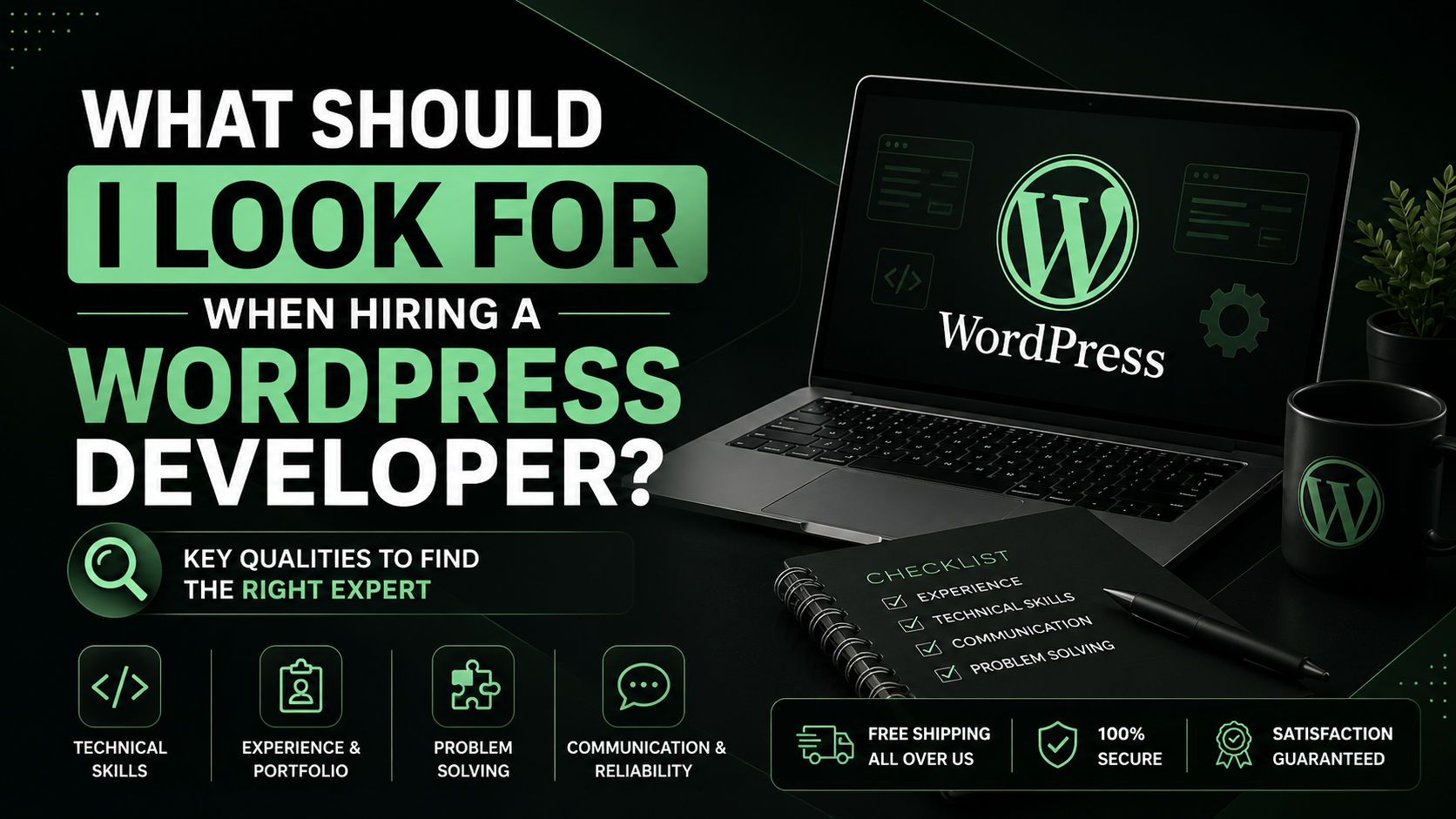
14. A Simple Way to Evaluate a WordPress Developer
If you’re not technical, you don’t need to become a WordPress developer yourself.
You can evaluate someone using five simple areas:
1. Experience
Have they built websites similar to yours?
2. Portfolio
Can you see real, live examples?
3. Technical approach
Can they explain why they’re using Elementor, custom code, plugins, or a particular hosting setup?
4. Business understanding
Do they understand what the website needs to accomplish?
5. Professionalism
Do they communicate clearly, define the project scope, and make ownership and responsibilities clear?
If someone performs well in all five areas, they’re worth taking seriously.
Final Thoughts
Hiring a WordPress developer shouldn’t be about finding the person who can build the prettiest website or the person with the cheapest price.
You want someone who understands how the entire website works.
From my experience building WordPress websites with Elementor, WooCommerce, custom code, hosting, domains, and migrations, I believe the best approach is often a combination of technologies rather than blindly choosing one.
Use Elementor where it makes sense. Use custom code where it provides something Elementor can’t. Use plugins when they’re genuinely useful. Pay attention to performance, mobile responsiveness, security, SEO, usability, and maintainability.
Most importantly, make sure the developer understands why you’re building the website in the first place.
Because at the end of the day, you’re not hiring someone just to build you a WordPress website.
You’re hiring someone to build an important part of your business.
For success stories. Visit ITISH.
For Services. Visit Services
You can visit and see the clients’ websites at: Greensmokeorganics
For any other queries. Visit Contact